The KODAK Dock Plus is a home photo printer for turning smartphone pictures into 4x6 prints, with an integrated phone dock and app-based editing.
This KODAK Dock Plus 4x6 Photo Printer review looks at how its desktop design, Bluetooth connection, and 4PASS process suit everyday printing.
KODAK Dock Plus Review Summary
The quick verdict

19,000+ ratings
Read Amazon ReviewsKODAK Dock Plus 4x6 Photo Printer
A fit for smartphone users who want straightforward 4x6 dye-sublimation prints at home, with phone docking and charging built into the printer.
- Produces 4x6-inch color photos from compatible smartphones.
- Uses 4PASS dye-sublimation printing, with three color layers followed by clear protective lamination.
- Prints a photo in approximately 55 seconds.
- Includes an integrated phone docking station that can charge a phone while printing.

Pros
- The dock and charging feature make the printer a convenient companion for phone-based printing at home.
- Standard 4x6 output is a useful size for albums, frames, and sharing physical copies.
Consider before buying
- The printer depends on an outlet, so its desktop design is less suitable for spontaneous printing away from home.
- The workflow centers on the KODAK Photo Printer app and Bluetooth; buyers who prefer a computer-based or cable-first workflow should check compatibility before choosing it.
Read the full review summary
The Dock Plus combines a familiar phone-to-print workflow with a physical docking station. Compatible iOS and Android devices connect through Bluetooth and the KODAK Photo Printer app, where you can crop, edit, and customize images before printing.
The dock can also charge a phone during printing, giving the printer a practical role as a home photo station.
Its fixed, outlet-powered design is best suited to a desk or counter where you can keep photo printing supplies close at hand.
The printer makes 4x6 prints using dye sublimation, laying down three color layers and a clear protective layer; the described print time is approximately 55 seconds.
The package includes 50 sheets, so it offers a starting supply for albums, frames, family events, and occasional creative projects.
The buying factors
KODAK Dock Plus Scorecard
Editorial scores reflect listed features and buyer fit; they are not laboratory measurements or customer ratings.
Phone-to-print convenience
Bluetooth pairing and an integrated dock make a smartphone-centered workflow the main attraction.
Editing options
The app supports cropping and customization before a photo is sent to print.
Print format
The dedicated 4x6 output suits conventional photo albums and frames.
Print protection design
The four-pass process includes a clear protective lamination layer intended to resist fingerprints, water, and fading.
Setup simplicity
The stated workflow is straightforward: power on, connect over Bluetooth, and print through the app.
Placement flexibility
Its desktop role and need for a power outlet favor a stable home setup over printing away from a power source.
Key Features and Specifications of KODAK Dock Plus
- Produces 4x6-inch color photos from compatible smartphones.
- Uses 4PASS dye-sublimation printing, with three color layers followed by clear protective lamination.
- Prints a photo in approximately 55 seconds.
- Includes an integrated phone docking station that can charge a phone while printing.
- Connects to compatible iOS and Android devices through Bluetooth and the KODAK Photo Printer app.
- The app allows photo editing, cropping, and customization before printing.
- Designed for desktop use, connects to a power outlet, and comes with 50 sheets.
Pros and Cons of KODAK Dock Plus
Pros
- The dock and charging feature make the printer a convenient companion for phone-based printing at home.
- Standard 4x6 output is a useful size for albums, frames, and sharing physical copies.
- App editing lets you crop or adjust a photo before committing it to paper.
- The protective finishing layer is designed to help prints resist fingerprints, water, and fading.
Consider before buying
- The printer depends on an outlet, so its desktop design is less suitable for spontaneous printing away from home.
- The workflow centers on the KODAK Photo Printer app and Bluetooth; buyers who prefer a computer-based or cable-first workflow should check compatibility before choosing it.
- The included 50 sheets provide a finite starter supply, so frequent printing means planning for additional compatible paper and supplies.
Who Should Buy KODAK Dock Plus?
Good fit
Consider the Dock Plus if your photos mostly live on an iPhone or Android phone and you want to make physical 4x6 copies without routing them through a general-purpose printer.
The docking station gives the phone a dedicated place during printing, while its charging function can be useful when editing and selecting photos at the same time.
It also makes sense for a household that prints in small batches for albums, frames, or family occasions.
The app-based editing steps allow basic adjustments before printing, and the described print time of about 55 seconds may suit a casual, one-photo-at-a-time routine.
Before buying, make sure the intended phone is compatible with the app and that a permanent spot near an outlet works for your setup.
If you expect to print often, consider how quickly the included 50 sheets might be used and whether the ongoing paper and cartridge arrangement suits your budget.
Who should skip it
Look elsewhere if you need a printer that works independently of a wall outlet or one intended for travel. The Dock Plus is described as a home desktop unit that connects to power.
It may also be a poor fit if you regularly print from a computer or want multiple photo sizes from one device.
The described workflow focuses on compatible smartphones and 4x6 output, so check that those match your routine.
How the KODAK Dock Plus Fits Everyday Photo Printing
A phone-first printing routine
The built-in dock distinguishes this printer from a phone printer that simply sits nearby.
Placing a phone on the dock can make the connection and selection process feel more like using a small home station, and charging during printing keeps the device powered while you work.
Bluetooth and the dedicated app remain central to that routine, so buyers should confirm they are comfortable using both.
What 4PASS means for the print
The described 4PASS process applies three color layers and then a clear lamination layer.
That is a useful design detail for anyone making prints to handle, put in an album, or display, since the finish is intended to resist fingerprints, water, and fading.
Those are design aims rather than a guarantee that every print will stay unchanged in every environment, so storing and displaying photos with ordinary care still makes sense.
Choosing the right place for it
This model is intended to stay on a desktop and draw power from an outlet.
That choice supports a settled home setup for albums and events, but it is a constraint if you want to print while traveling or carry the unit between locations.
Think about where the printer will live and whether a nearby outlet and space for paper suit your regular use.
Planning around paper and print speed
The package includes 50 sheets, and each print takes approximately 55 seconds.
That combination gives buyers a reasonable sense of a starter batch and the pace of individual printing, but it does not establish a recommended duty cycle or a long-term supply cost.
If you anticipate regular batches, check the availability and compatibility of replacement paper and cartridges before settling on the printer.
Alternatives to KODAK Dock Plus
Desktop Photo Printers alternative
800+ ratings
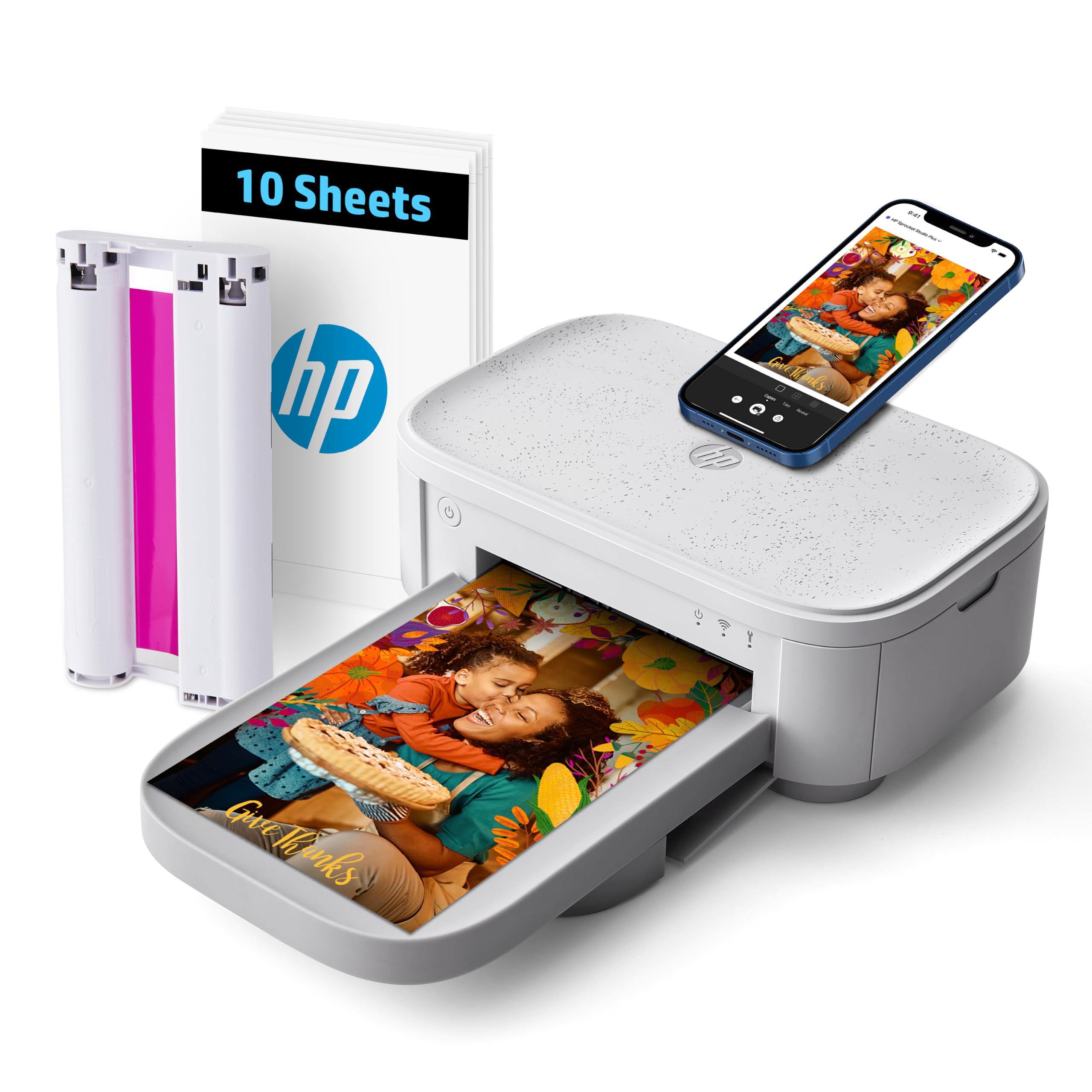
Read Amazon ReviewsHP Sprocket Studio Plus 4x6 Wireless Instant Photo Printer
Choose the KODAK if the integrated dock and charging feature fit your home setup.
Consider the HP if Wi-Fi connectivity and its more extensive sticker, frame, and filter customization are more useful; check that its smaller included paper supply matches your plans.
- The HP Sprocket Studio Plus is a 4x6 dye-sublimation printer that connects to smartphones over Wi-Fi through the HP Sprocket app.
- Its editing options include stickers, frames, and filters, and the supplied package is described as including 10 sheets and a cartridge.
- The KODAK Dock Plus is built around a phone dock, Bluetooth, app editing, and 4x6 dye-sublimation prints, with 50 sheets included.
Desktop Photo Printers alternative
4,000+ ratings
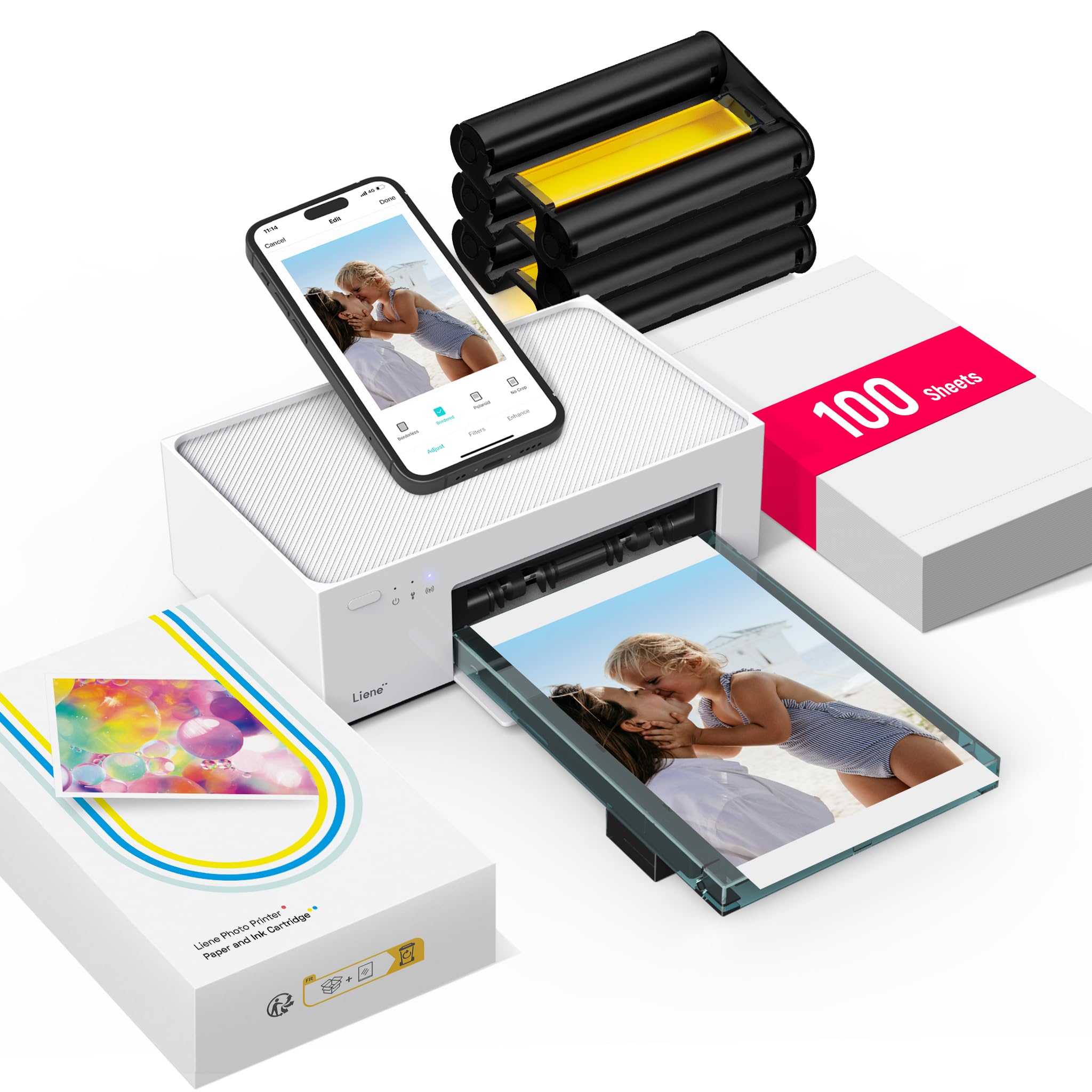
Read Amazon ReviewsLiene M100 4x6 Photo Printer
The KODAK is the more natural fit if you want the physical dock and phone charging at a home printing spot.
The Liene may suit buyers who value hotspot-based Wi-Fi and a larger stated paper supply, though its connection method and app workflow differ.
- The Liene M100 prints 4x6 photos using dye sublimation and connects through its own Wi-Fi hotspot.
- Its listed package includes 100 sheets and three color cartridges, and its app supports borders, filters, and image adjustments.
- The KODAK Dock Plus uses Bluetooth and a docking station for a smartphone-centered 4x6 printing setup, and is designed to stay near a power outlet.
Is KODAK Dock Plus Worth It?
The KODAK Dock Plus is worth considering if you want a dedicated home printer for smartphone photos and value a built-in dock that can charge the phone during printing.
Its 4x6 format, app editing, and four-pass protective finish are well aligned with albums, framing, and occasional family prints.
Buy it when a powered desktop location and Bluetooth app workflow fit your habits. If you need travel-friendly printing, another connection style, or a different print format, compare those requirements carefully before choosing.
Your review at a glance
19,000+ ratings
Read Amazon ReviewsKODAK Dock Plus 4x6 Photo Printer
A fit for smartphone users who want straightforward 4x6 dye-sublimation prints at home, with phone docking and charging built into the printer.
- Produces 4x6-inch color photos from compatible smartphones.
- Uses 4PASS dye-sublimation printing, with three color layers followed by clear protective lamination.
- Prints a photo in approximately 55 seconds.
- Includes an integrated phone docking station that can charge a phone while printing.